1️⃣ Log in to Pageier → Visit www.pageier.com and sign in.
2️⃣ Go to the VR Card Section → Locate the option for creating a VR Card.
3️⃣ Enter Your Details → Add your name, contact information, social links, and any other details.
4️⃣ Customize Your VR Card → Choose a design, add a profile picture, background, and colors.
5️⃣ Generate Your VR Link → Click "Create" to generate a shareable VR Card link.
6️⃣ Share & Embed → Copy the link and use it on social media, websites, or QR codes.
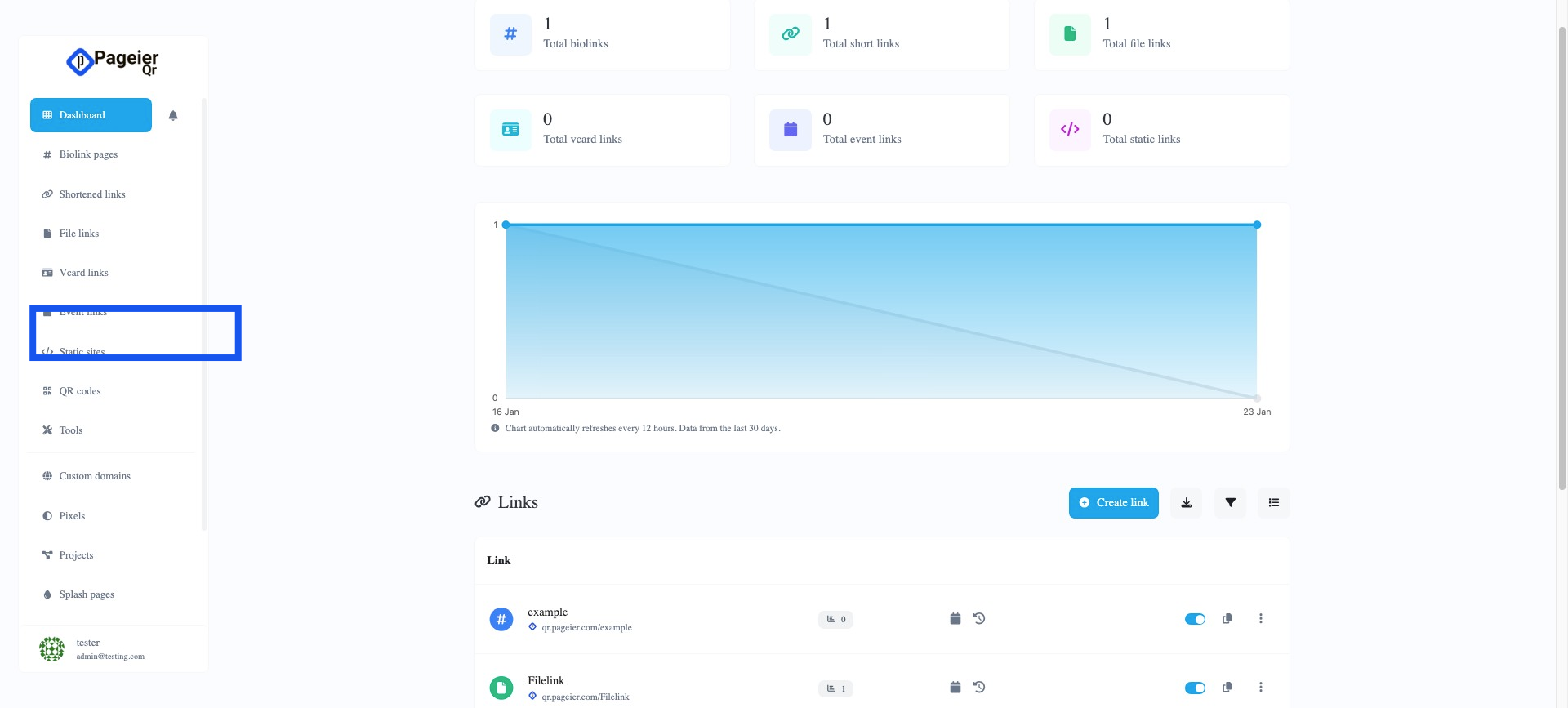
Click Vcard link button
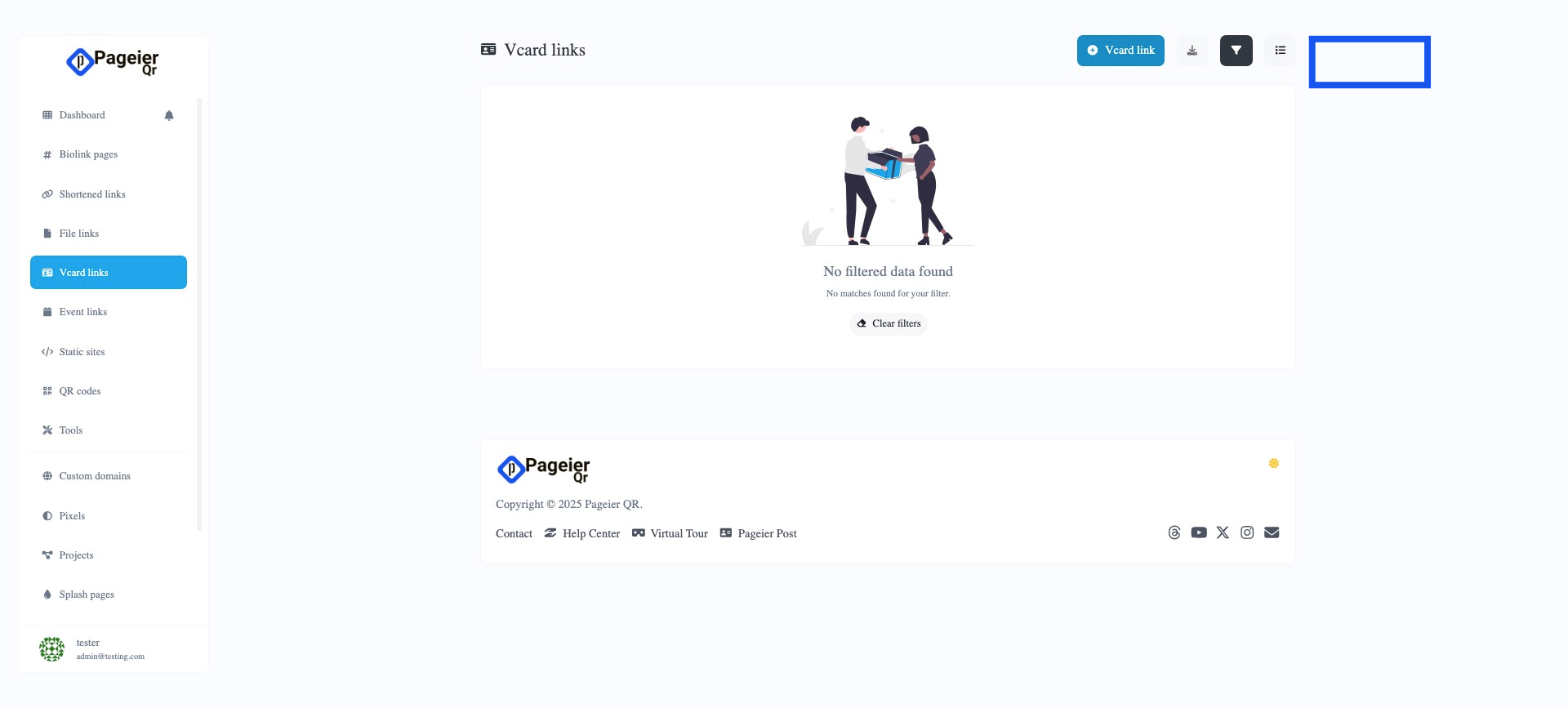
Enter the Slug Value
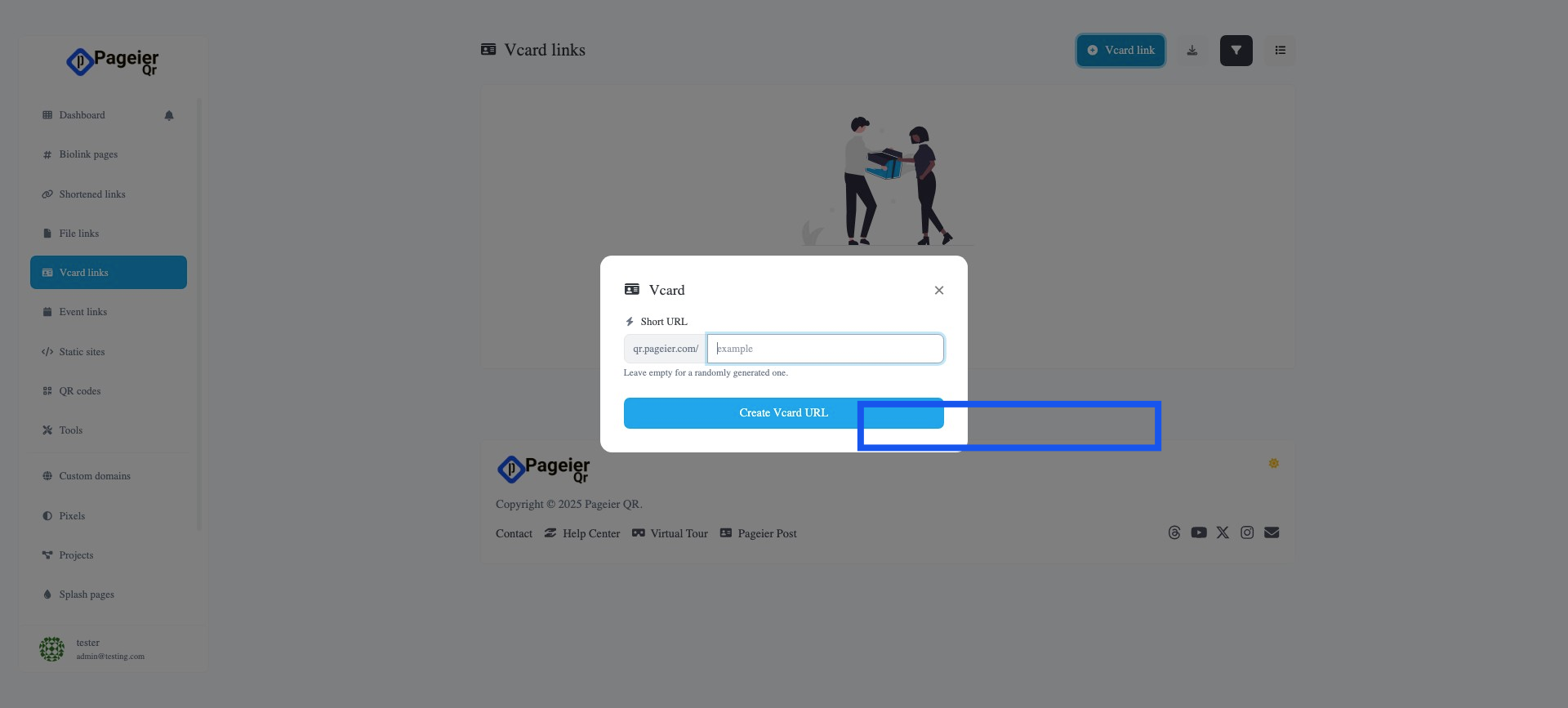
Click Create Vcard URL
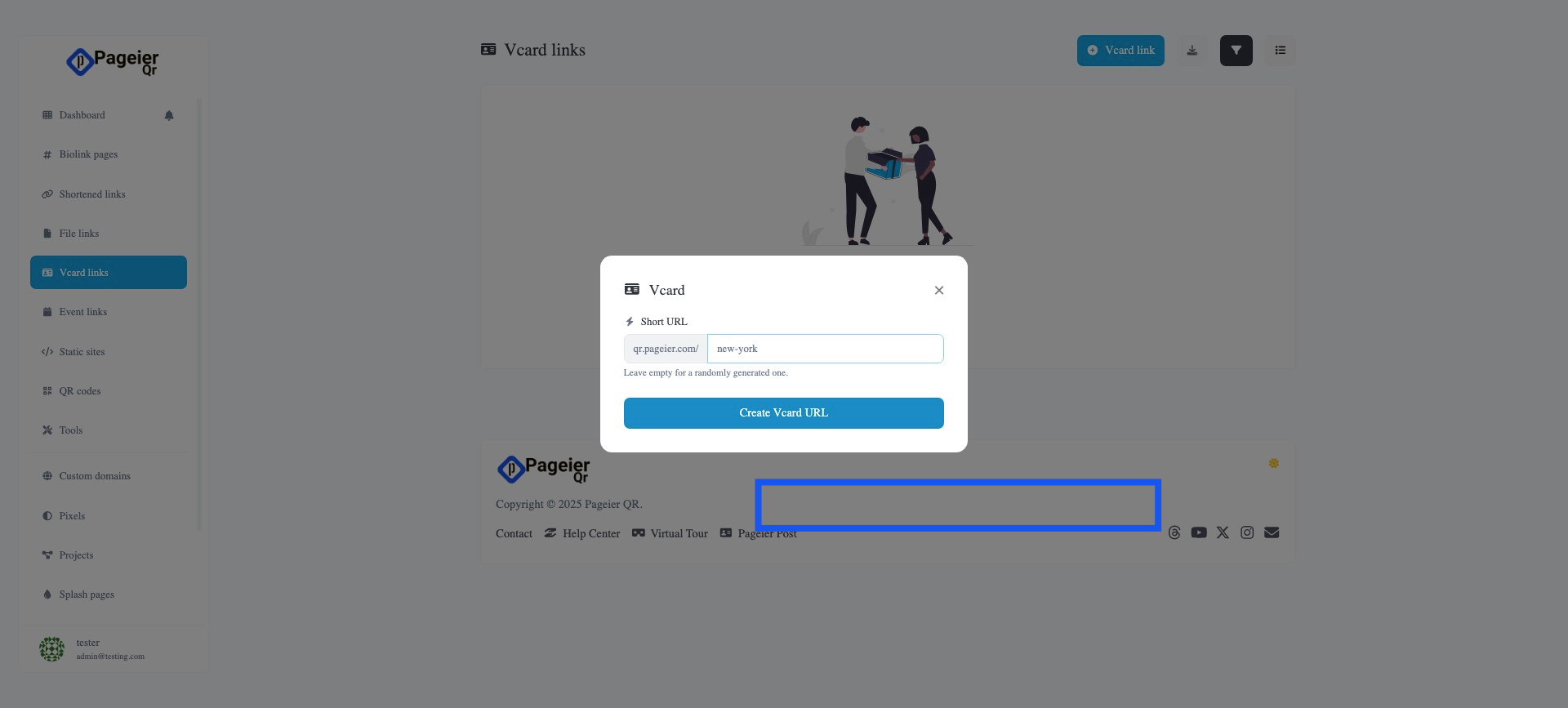
Uploard image
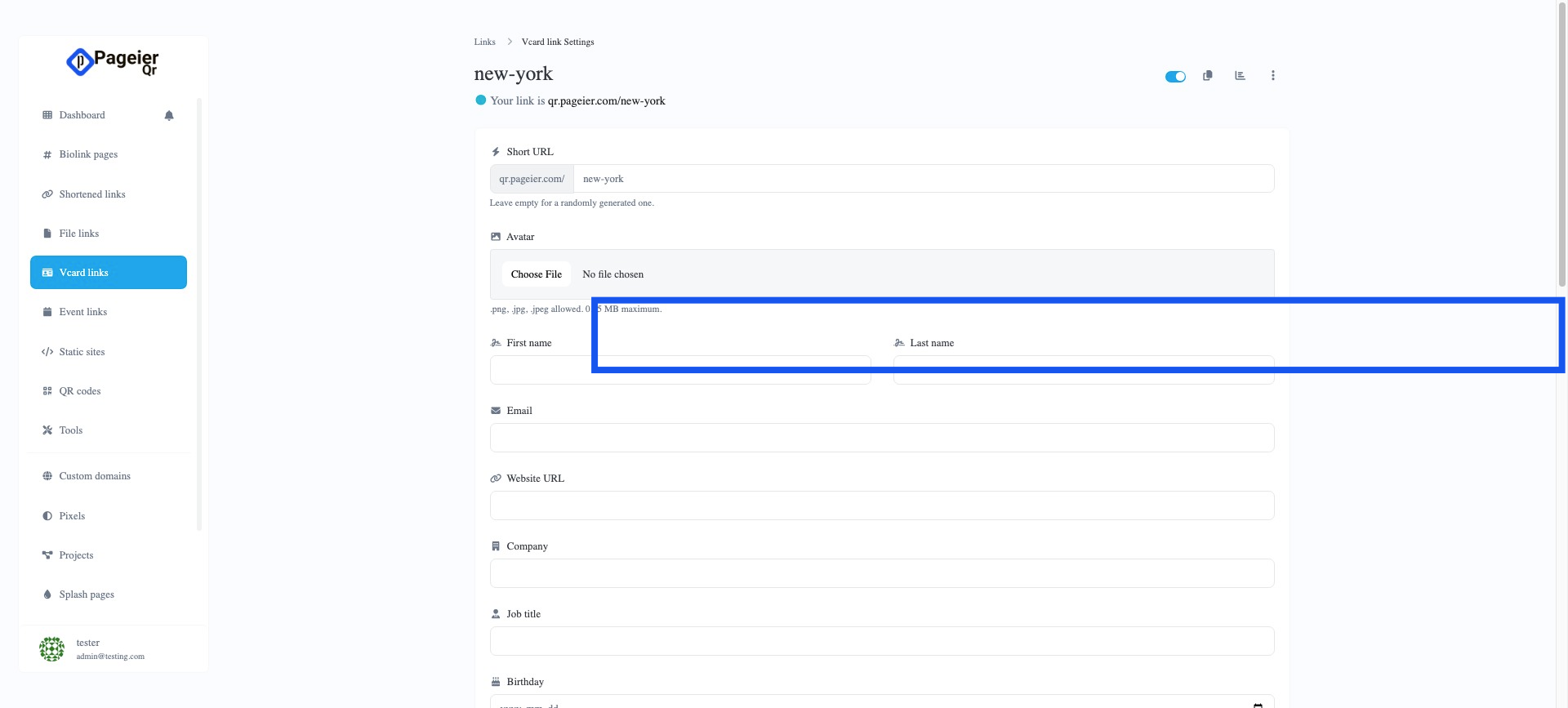
Enter First Name & Last Name
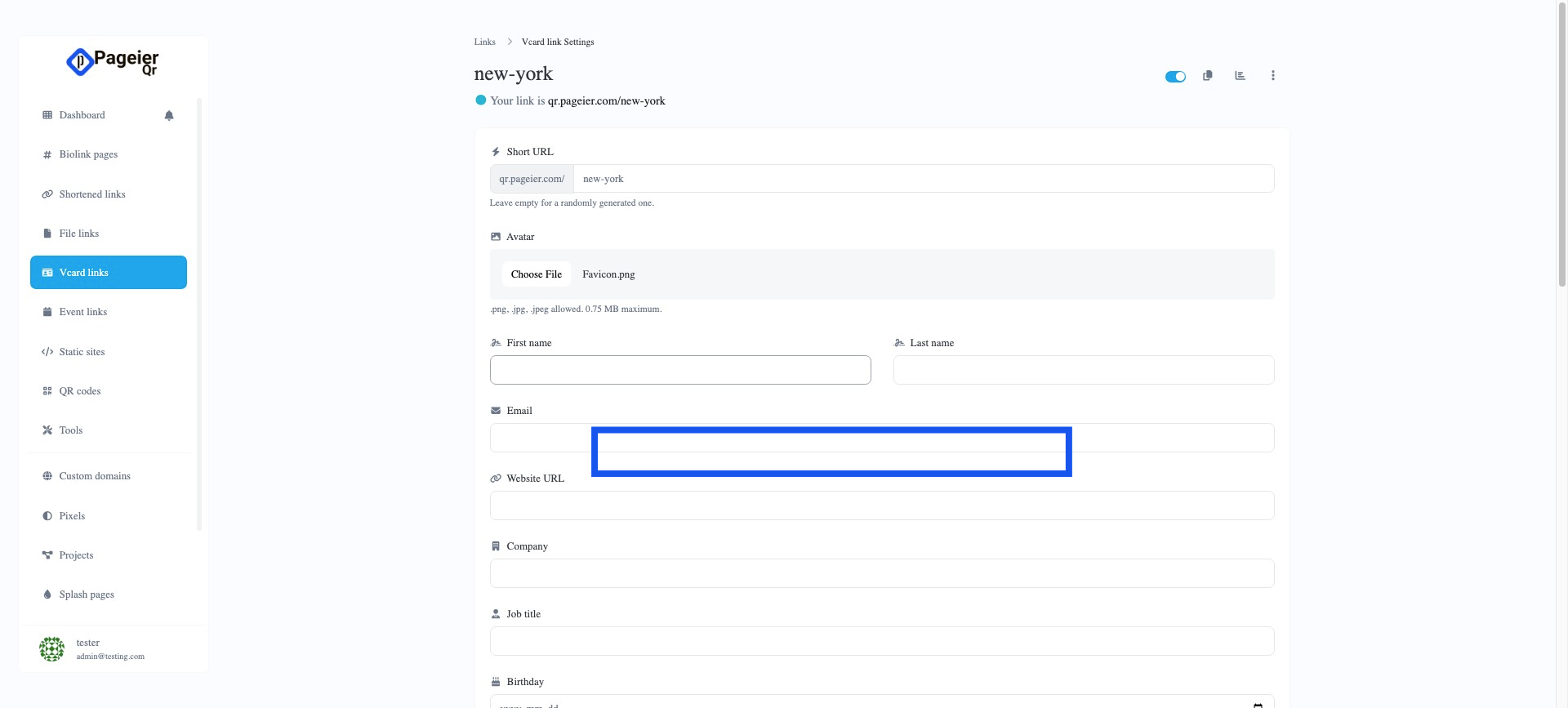
Enter Email address
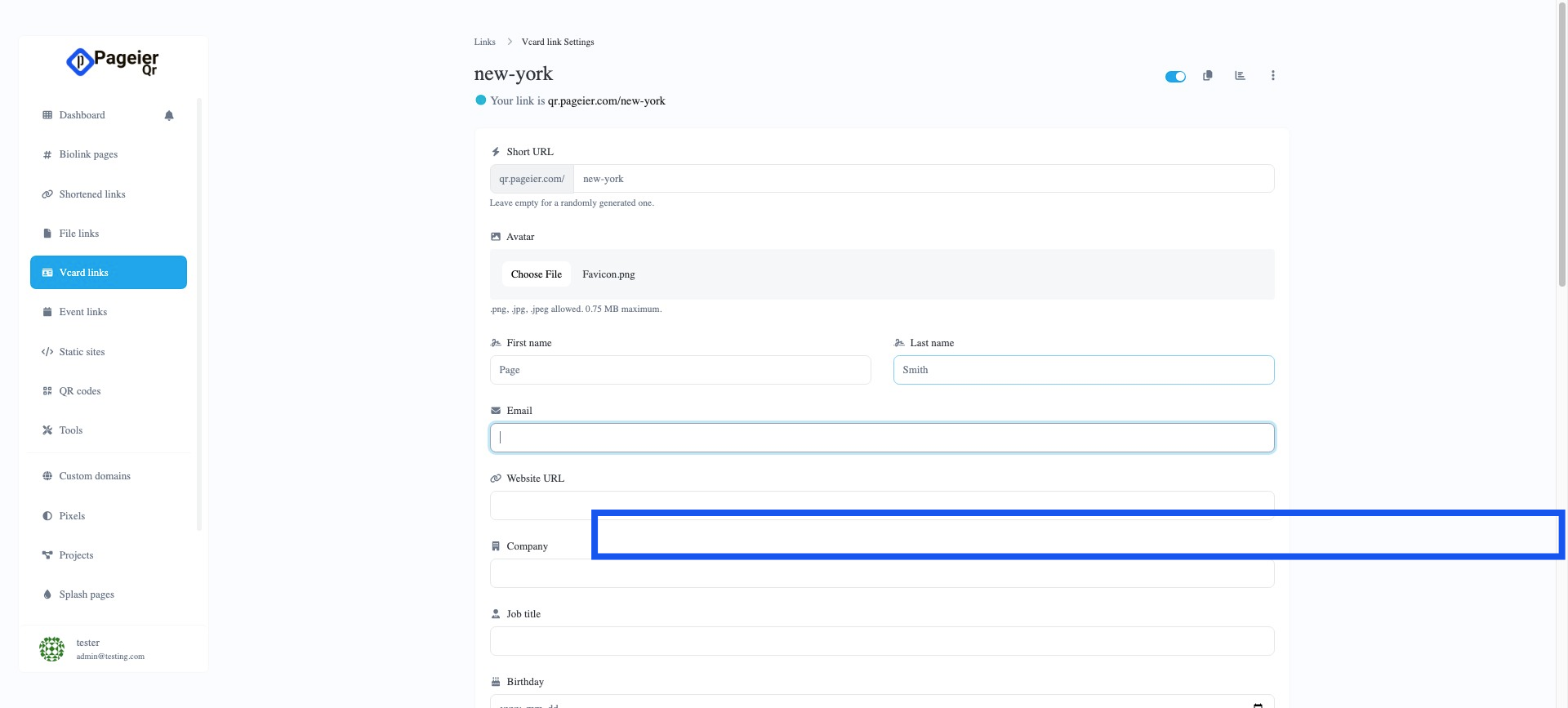
Enter website
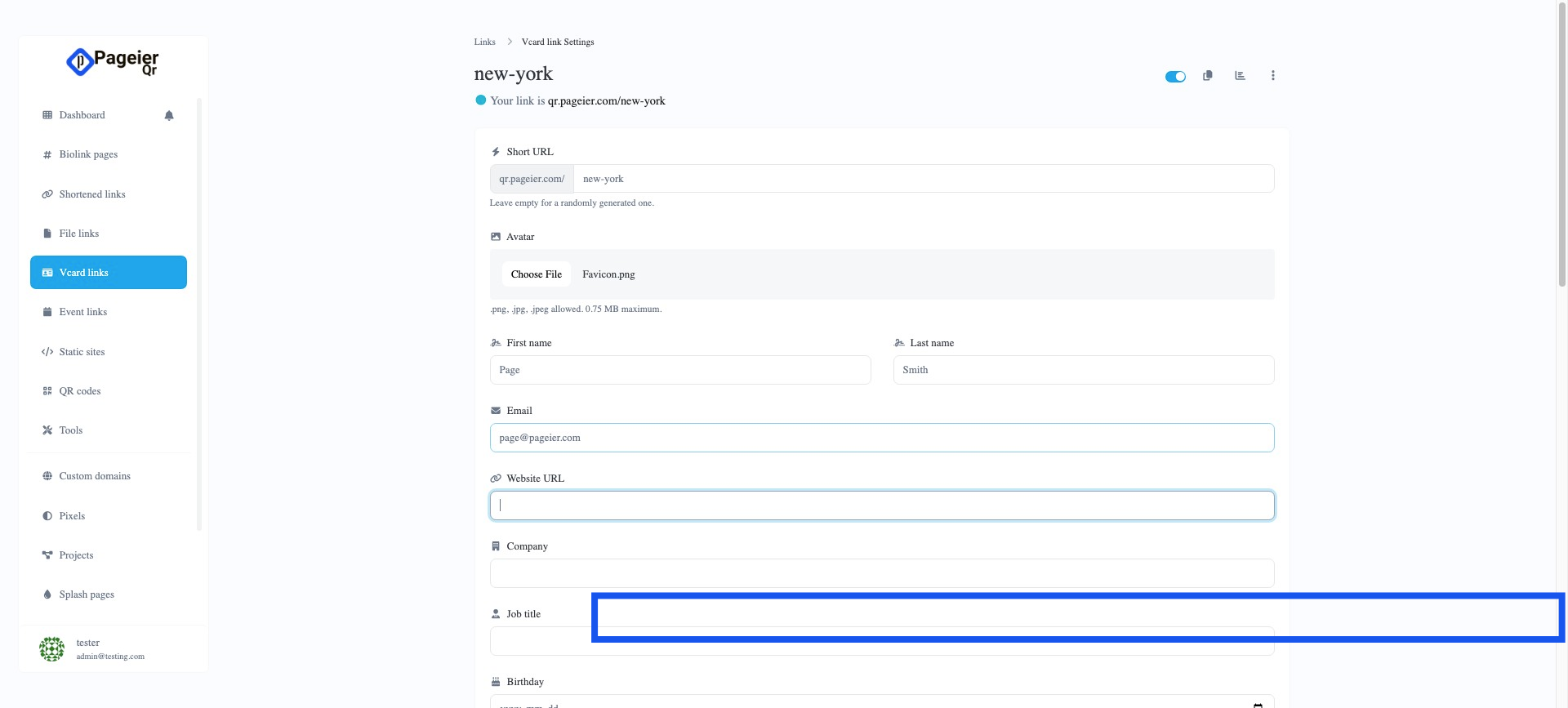
Enter Phone number
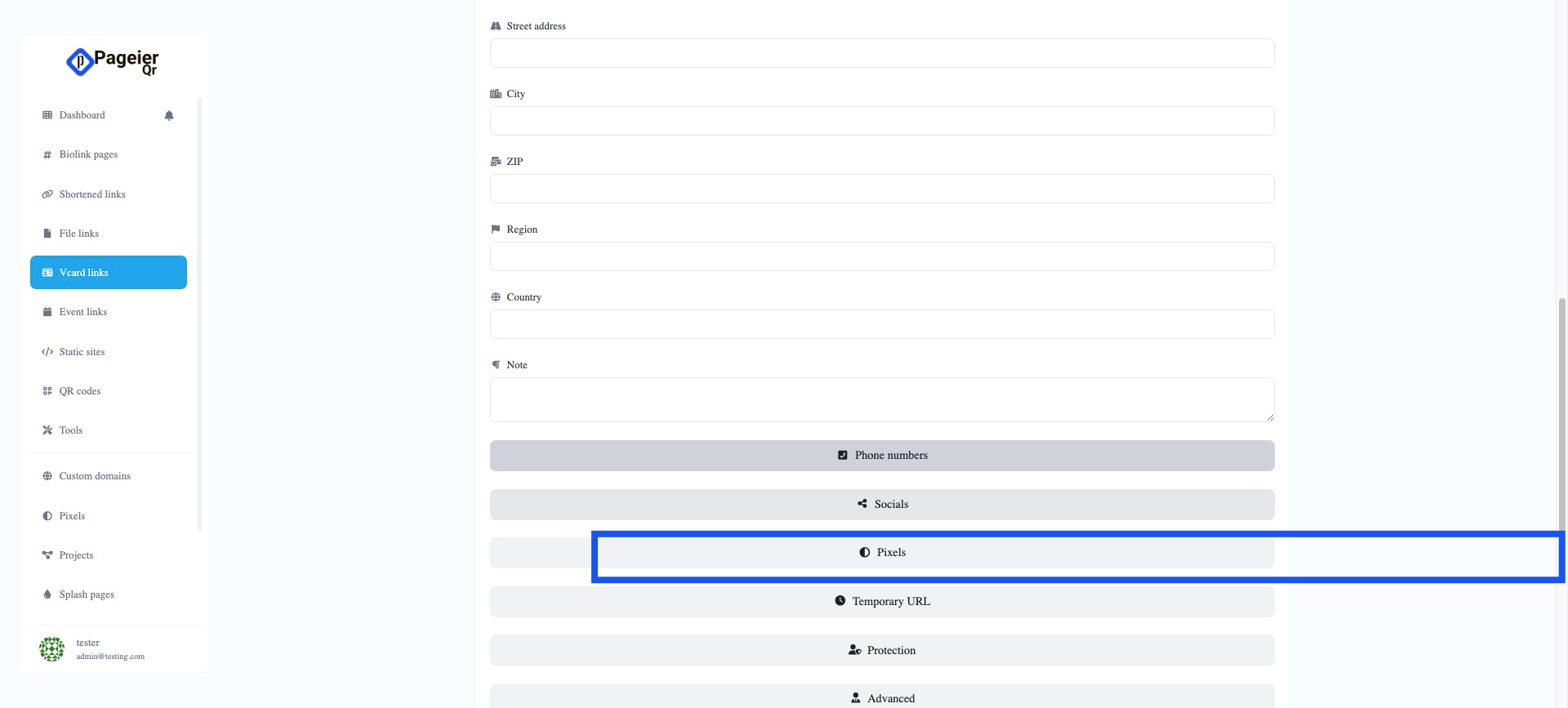
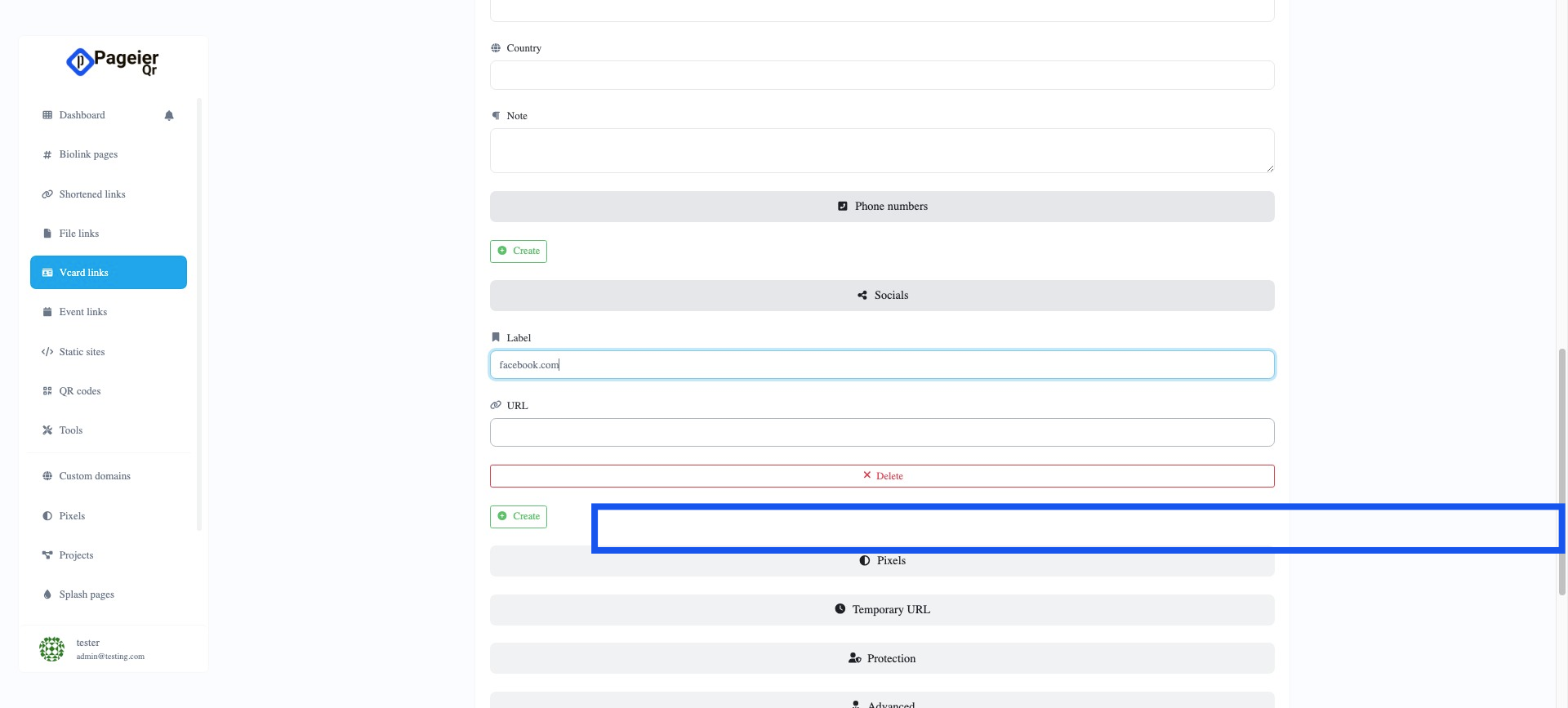
Add Socials button and other Values as needed
Vr Card Link ready to use .
Need help? Watch our easy video tutorials or visit the Pageier Help Center for step-by-step guides! Check it out now!🔗